Flat for Education with Google Classroom
Last updated June 12, 2026
This page gives you an overview of everything Flat for Education can do inside Google Classroom — from music theory activities and composition tasks to real-time collaboration and grading.
Connect your classes once. Teach music the way you already work.
Flat for Education fits straight into your existing Google Classroom workflow. Your rosters sync automatically, assignments appear in your Stream, and you can monitor and grade student work without switching between apps.
1. Start using Google Classroom on Flat in 3 minutes
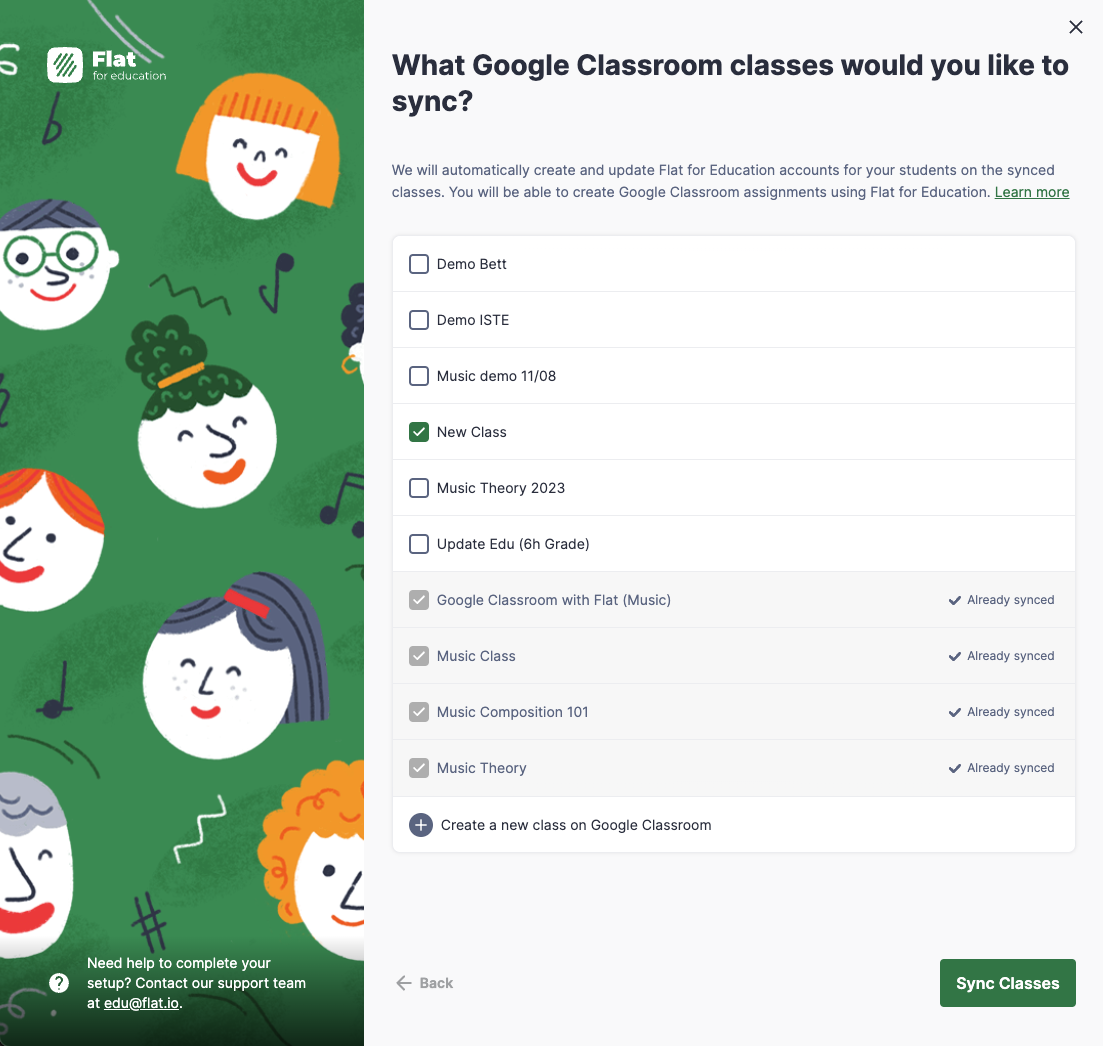
Select the classes you want to sync with Flat for Education. We'll take care of setting up accounts for your students and managing roster updates automatically. Your students and colleagues can sign in directly with their Google accounts — no separate passwords needed.
You only need to connect your classes once — roster changes in Google Classroom sync across automatically after that.
2. The same experience as Docs or Slides, but with music notation
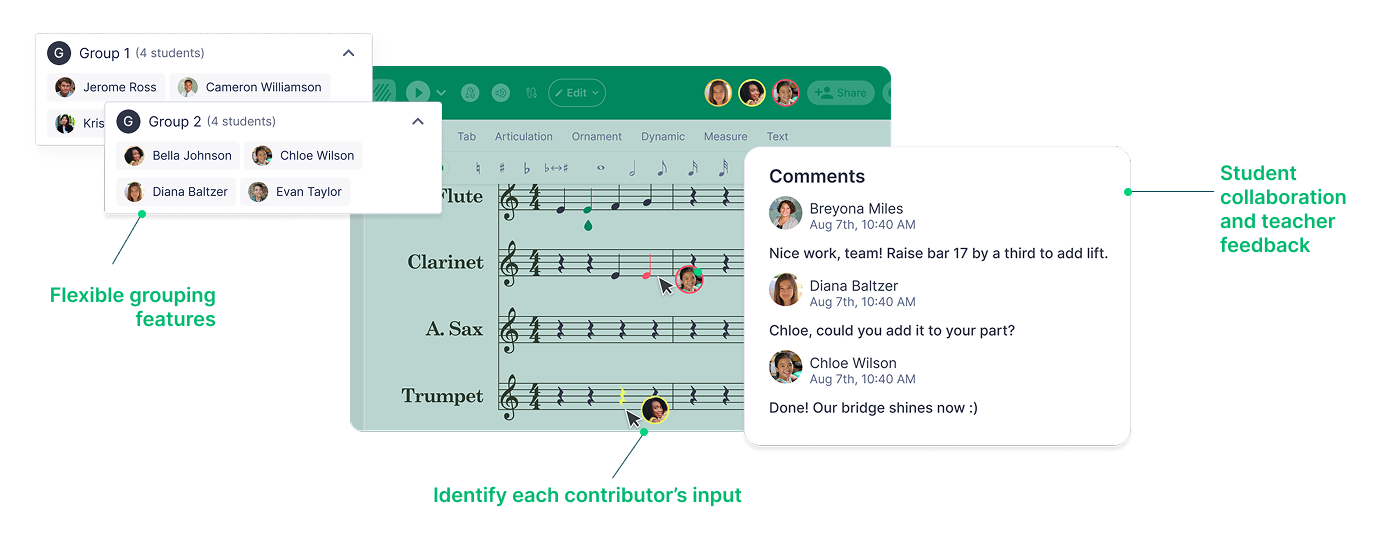
Create assignments with Flat for Education in just a few clicks. Students can collaborate on a shared score in real time — just like they would on a Google Doc — or work individually on their own copy. You can also create multiple-choice questions as a complement to your notation tasks.
3. Onboard your students directly from your Google Classroom Stream
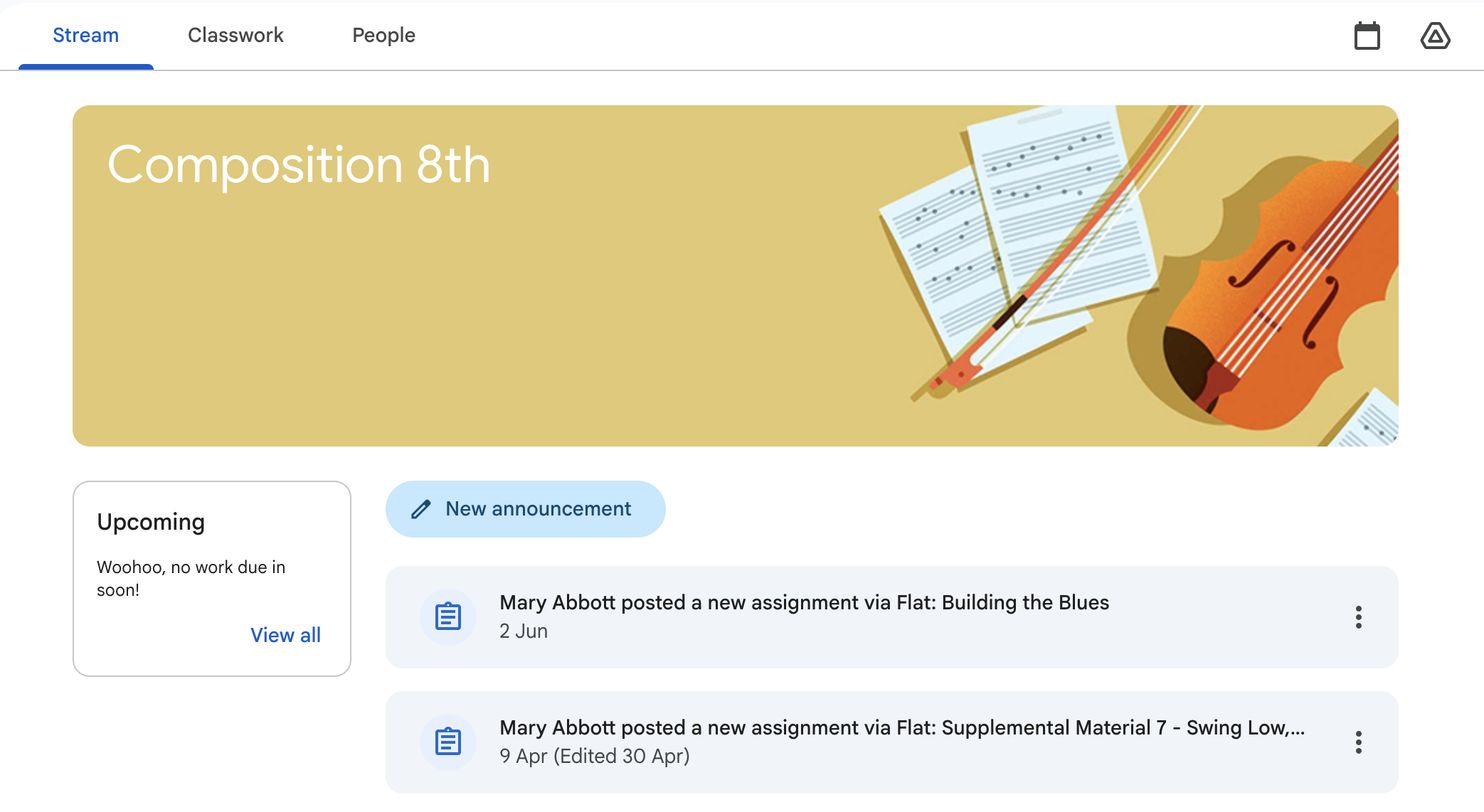
All your Flat assignments will show up in your Google Classroom Stream. Students click on the posted assignment to open it and start working — no separate logins or link-sharing needed.
By skipping manual logins and link-sharing, your students can jump straight from their Google Classroom Stream into their music tasks in under a minute. No wasted class time on setup.
4. Live feedback
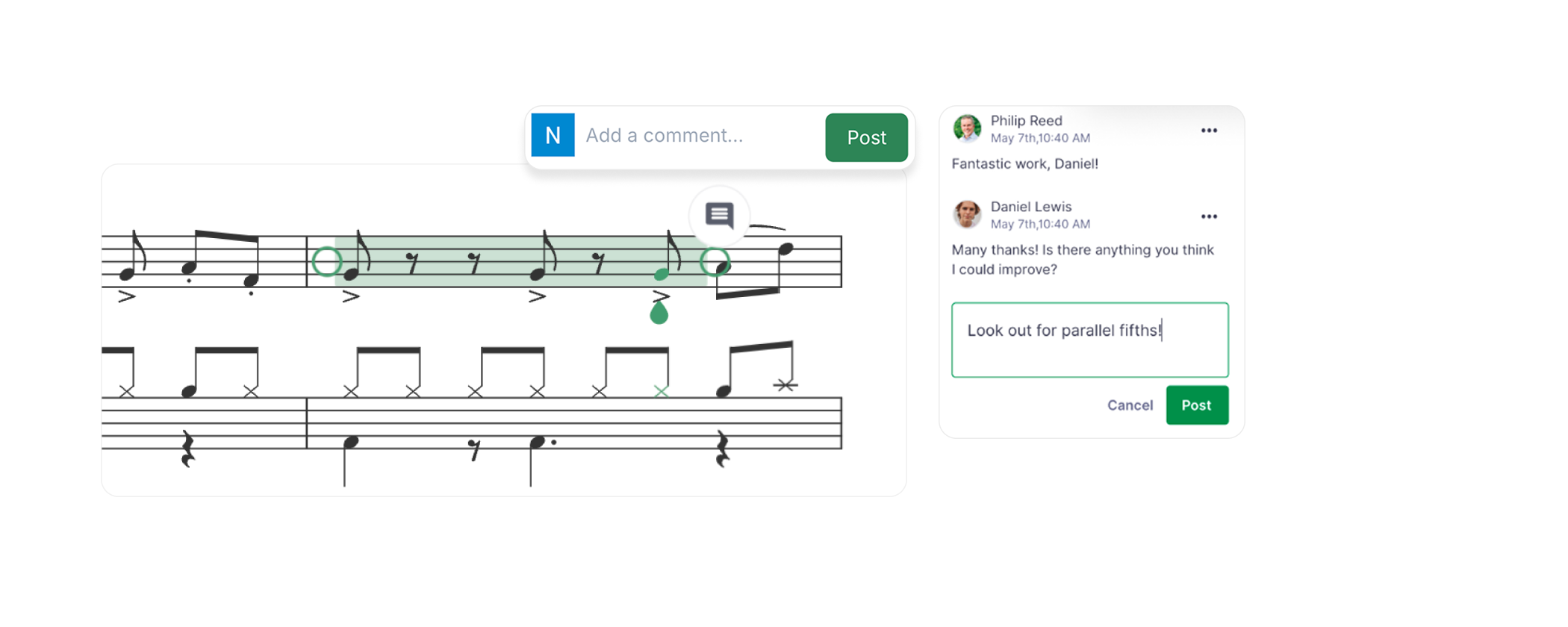
Once your students begin an assignment, you can view their progress and leave real-time feedback straight away! There's no need to wait for them to submit. Open any student's score and add comments directly on the notation.
5. Streamlined submission process
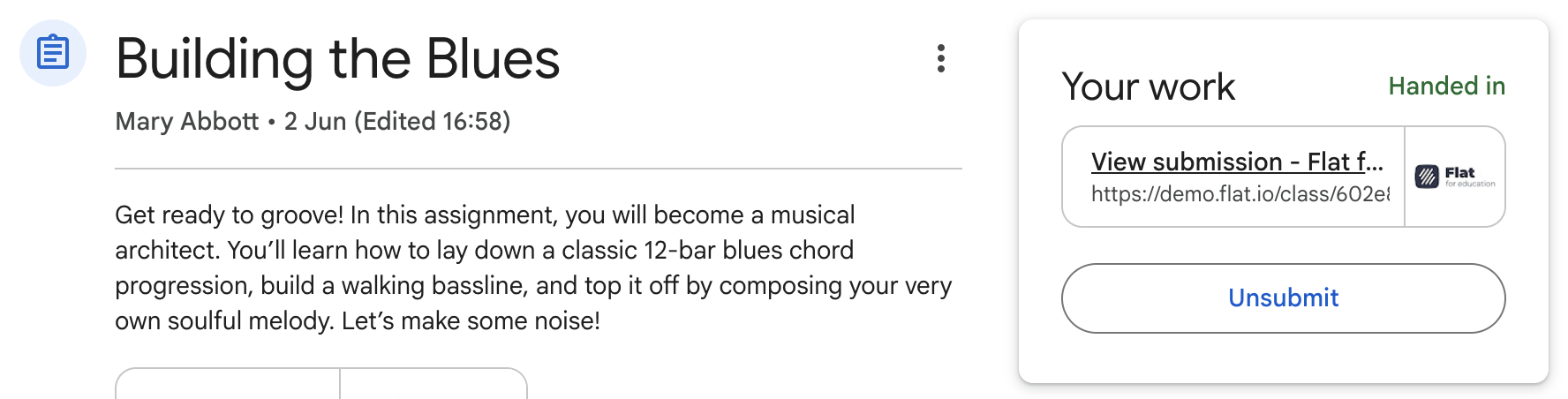
Students can turn in their assignment directly from Flat for Education using the Turn in button. We send them straight back to their submission on Google Classroom once they're done.
6. The submissions on Google Classroom
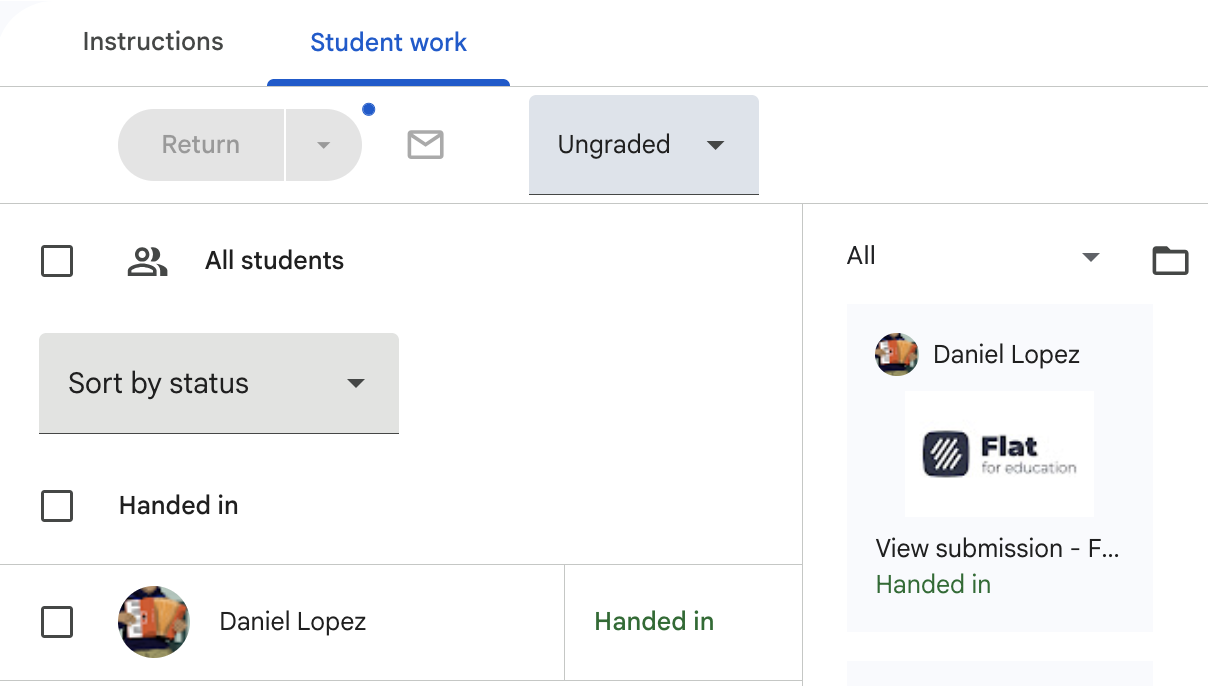
Once students submit, you can review and grade their work from either Google Classroom or Flat for Education; the same information is available in both places.
Click through to any student's submission to open it in Flat for Education. From the review page you can leave inline comments and add a grade that syncs back to Google Classroom.
You don't have to wait for students to submit before reviewing their work. Their scores are visible to you from the moment they start — which makes it easy to catch misunderstandings early.
7. Video tutorial
New to Flat for Education with Google Classroom? Watch this step-by-step video to easily connect Flat for Education with your Google Classroom.