How to slur notes in Flat
Last updated September 23, 2026
A slur in Flat is a curved line drawn over or under two or more notes to show they are played legato. Flat adds a slur from the selected note, stretches it over as many notes as you need with a drag, flips it above or below the staff, and removes it again in one click.
Where is the slur tool?
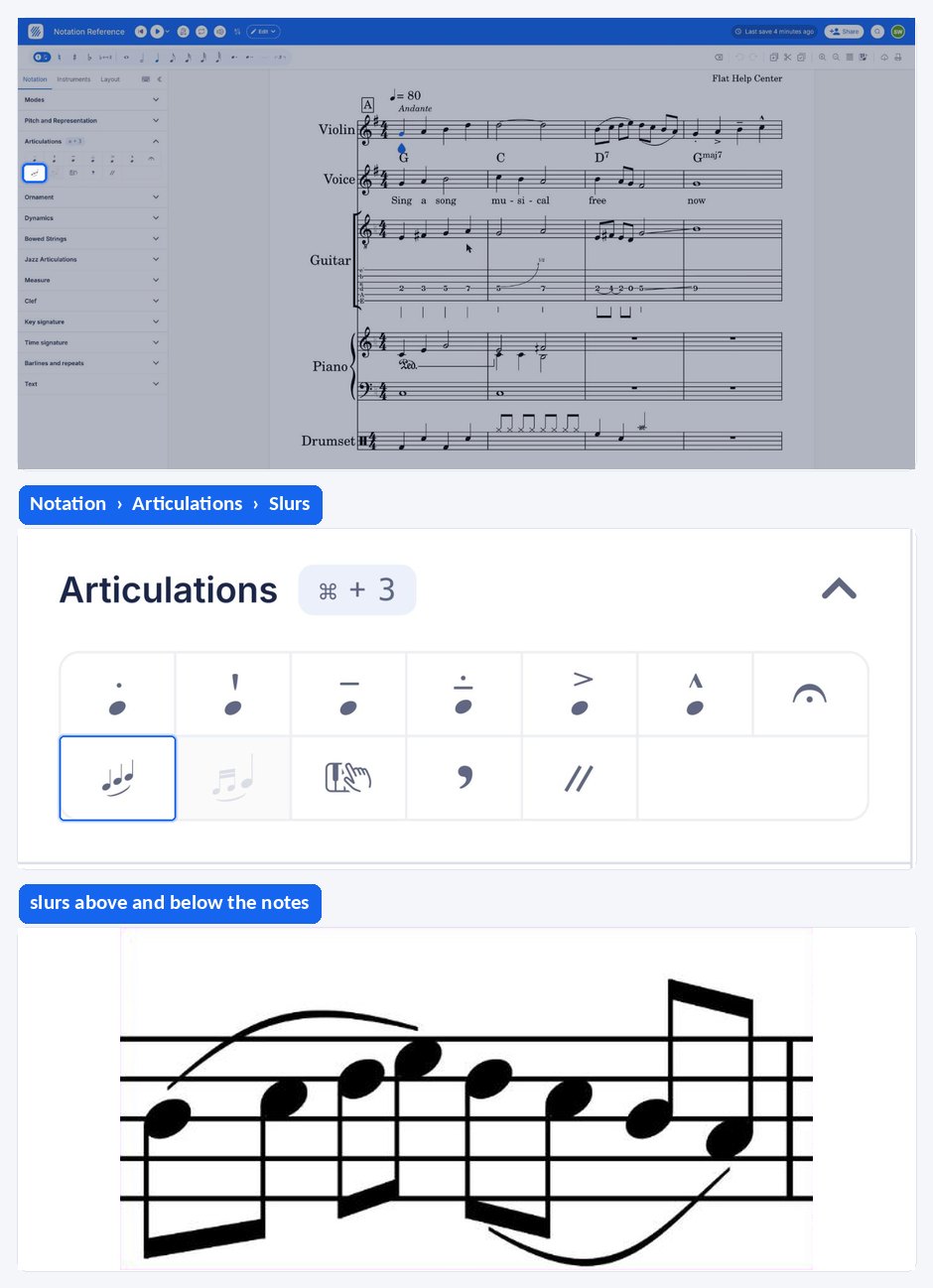
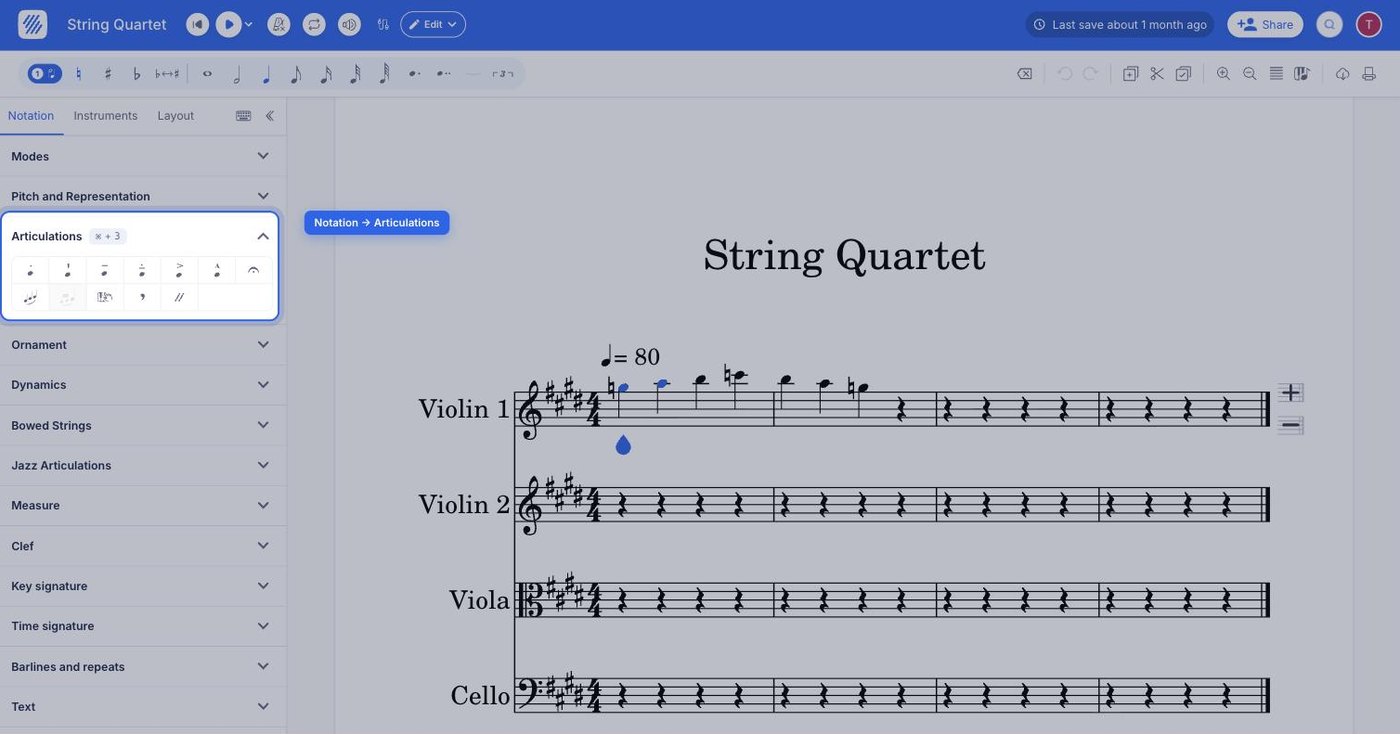
The slur tool sits in the left panel, in the Notation tab, under Articulations. Select the first note of the phrase, then click the slur button — or press its default keyboard shortcut, S.
| Feature | Location | Icon | Default keyboard shortcut |
|---|---|---|---|
| Slur | Notation > Articulations |  | S |
What is a slur?
A Slur is a curved line above or under a sequence of two or more notes. It indicates that the notes should be played in legato, meaning it should be smooth with no separation in between.
How do I slur notes?
Select the first music note of the phrase, then open the Notation tab in the left panel and choose the slur tool under Articulations. You can then extend the slur to add multiple notes inside this one with a simple drag and drop. To remove it, click on the slur then press delete.
How do I change the orientation of a slur?
If a slur is drawn above the staff and you would prefer that it face downward, just click on the slur and then click on the slur tool in the left panel. You will then be able to change the orientation of the slur.
Frequently asked questions
What is the difference between a slur and a tie?
A slur is a curved line over two or more notes of different pitches, telling the player to perform them legato, with no separation. A tie joins two notes of the same pitch so they sound as one longer note. They look alike on the page, but only the slur is an articulation.
Can I add a slur with the keyboard?
Yes. S is the default keyboard shortcut for the slur tool, so you can select the first note of the phrase and press it instead of clicking the button in the Notation panel. The slur then behaves exactly the same — drag it to cover more notes.
How many notes can one slur cover?
A slur covers a sequence of two or more notes, and there is no fixed upper limit. Add it on the first note of the phrase, then drag and drop the end of the slur to pull it over as many following notes as the phrase needs.
How do I slur a grace note to the note it decorates?
That uses a dedicated tool rather than the standard slur. See grace note slurs, which connects the grace notes to the main note with their own curved line, so the grace note reads as part of the main note rather than as a separate phrase.